Overview
SaaS2Cloud (AKA Cloudally) allows you to manage your service / Account settings
Note. You cannot change your Data Centre Location on this page. If you wish to do so, please contact Support.
From the Navigation Panel, click Settings > Account.
The Settings > Account page is displayed.
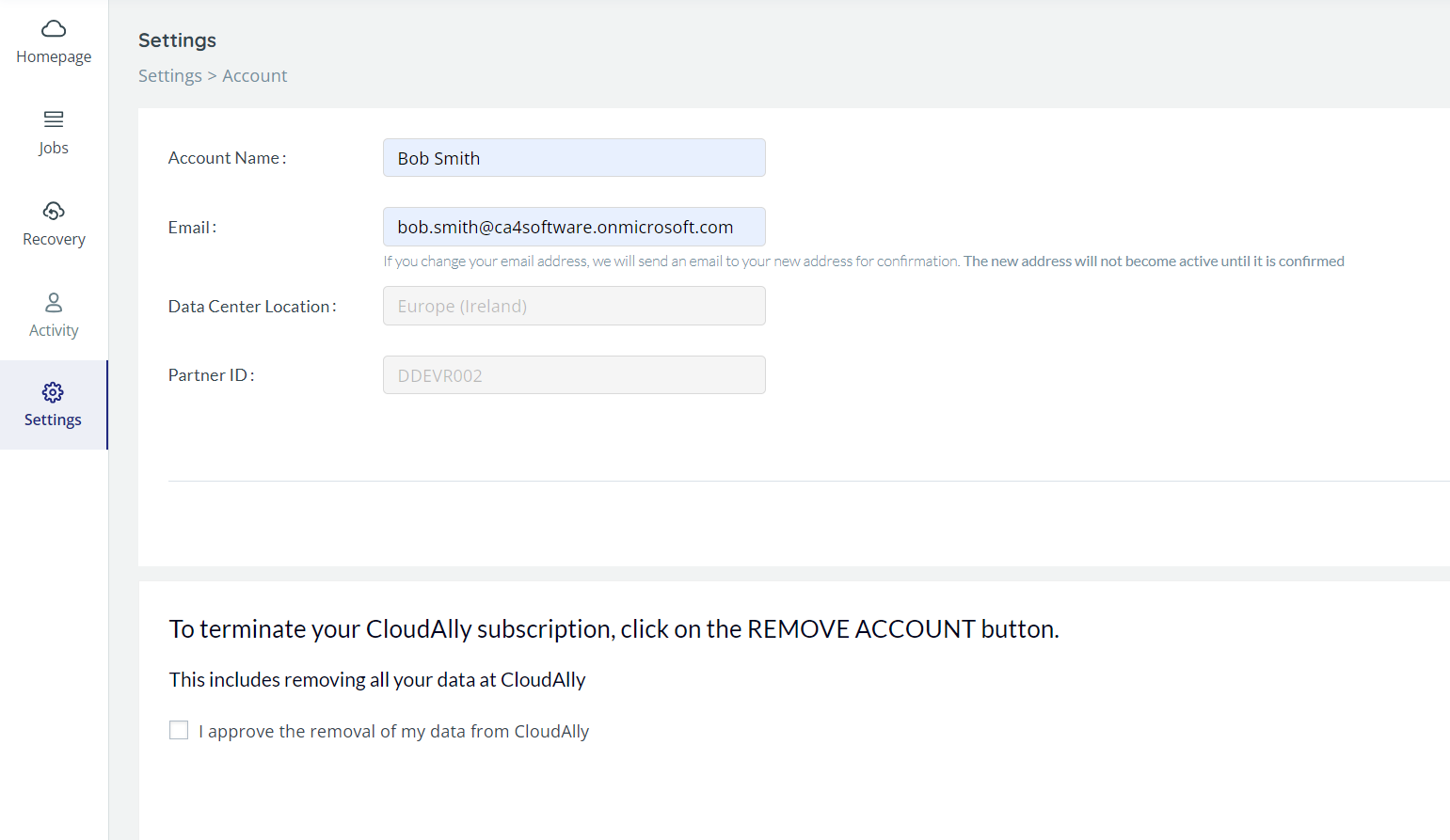
Update the Account Name or Email.
Click SAVE.
Termination
This page also allows you to terminate your SaaS2Cloud (CloudAlly) account.
To cancel your CloudAlly subscription:
- Select the check box adjacent to "I approve the removal of my data from CloudAlly."
- Click REMOVE ACCOUNT.
The Are you sure? pop-up window is displayed with a confirmation request.
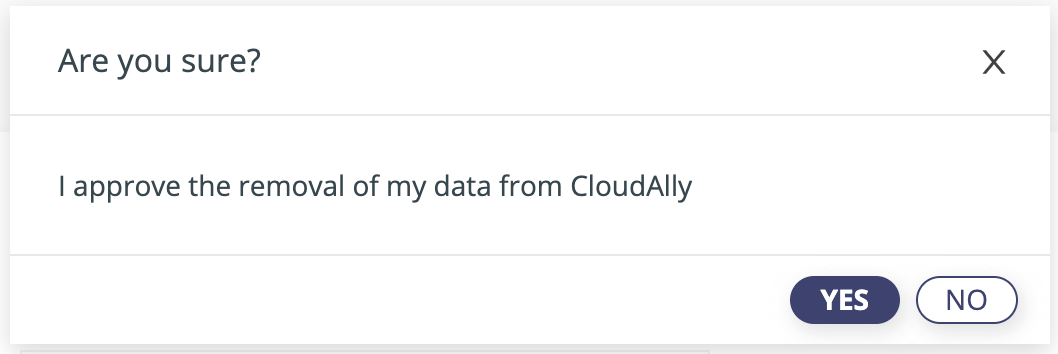
- Click YES to confirm the cancellation.
Note that if you terminate your CloudAlly account, the data from all your backups will be deleted.
Was this article helpful?
That’s Great!
Thank you for your feedback
Sorry! We couldn't be helpful
Thank you for your feedback
Feedback sent
We appreciate your effort and will try to fix the article