Always restart or shut down the ZVMA using the options available in the CLI Appliance Manager. Do not use VMTools or any similar methods.
Steps:
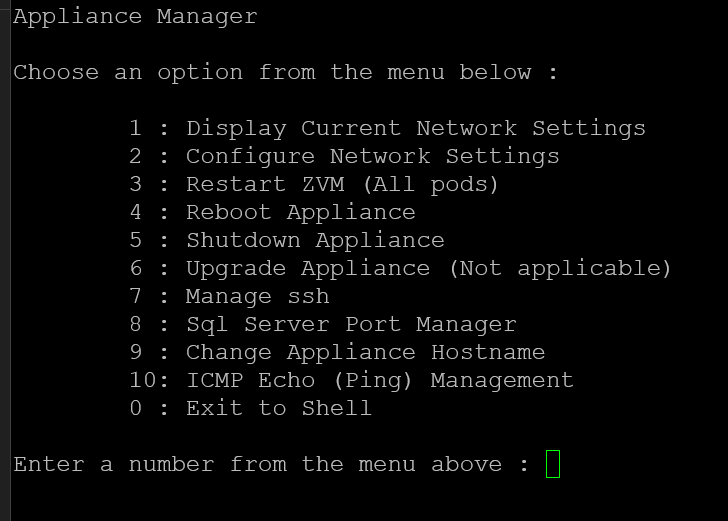
- Log in to the Zerto console using the zadmin account.
- To fully power cycle the ZVM, select Option 4.
- To restart (bounce) the ZVM service, select Option 3.
Was this article helpful?
That’s Great!
Thank you for your feedback
Sorry! We couldn't be helpful
Thank you for your feedback
Feedback sent
We appreciate your effort and will try to fix the article